One search. The whole picture.
Find a channel, a programme, or a team. Browse the timeline to see what’s on now and what comes next.
Your channels, your matchday, your favorite films.
A considered IPTV player that puts watching first.
macOS 13+ · Apple Silicon · First signed release in preparation
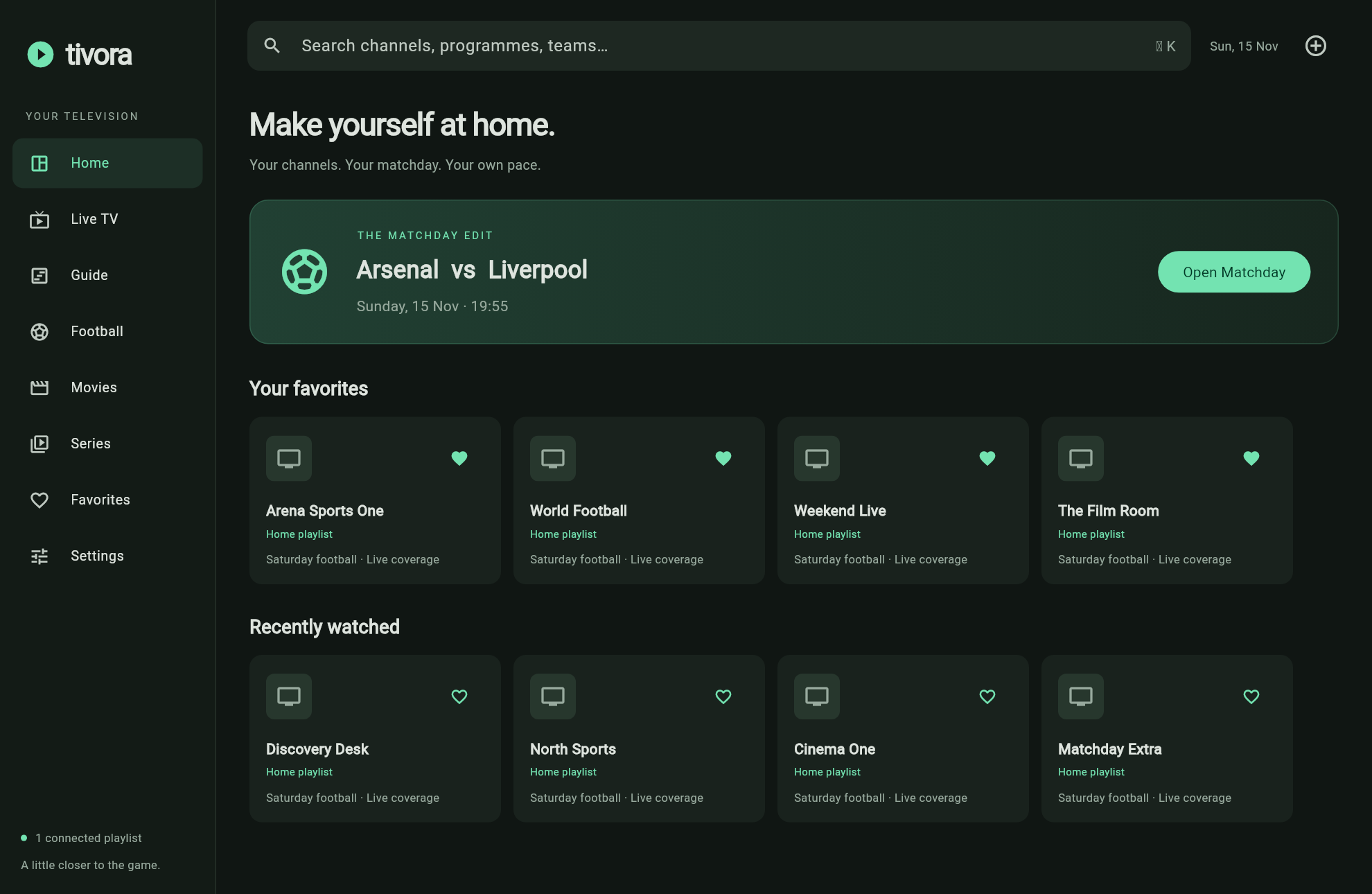
Find a channel, a programme, or a team. Browse the timeline to see what’s on now and what comes next.
Keep up to four channels open. Swap layouts, choose the commentary you want, and save your favorite lineups.
Connect multiple Xtream accounts. Import just the sections you want. Your credentials stay in your Mac’s Keychain.
Download the signed DMG when available. Open it, then drag Tivora into Applications.
Enter your Xtream host URL, including its port if needed, plus your username and password.
Import Live TV, Movies, or Series. Favorite a few channels, then make yourself at home.
Tivora is a player. Channels and subscriptions come from your own provider. Playback capacity and catch-up availability depend on your Mac and provider.